Android's new AI widget feature offers creative fun but limited utility
Google's new Create My Widget feature allows users to build AI-powered home screen elements, offering creative fun though it may lack the precision of dedicated apps for specific tasks.
By Alexei Malhotra ·
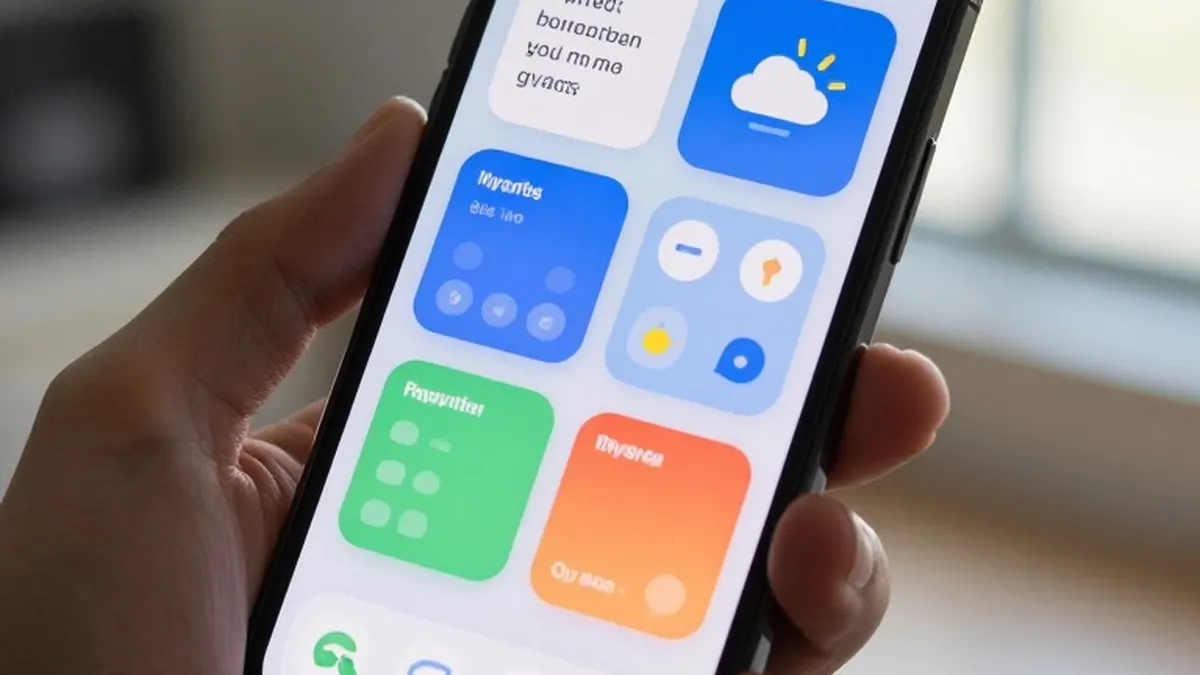
Google has begun rolling out a new beta feature on Pixel phones that allows users to generate custom home screen widgets using artificial intelligence. Announced at the company's I/O event in the spring, the Create My Widget tool is part of the broader Gemini Intelligence suite. The feature only started appearing on devices earlier this month, prompting early adopters to test its capabilities with a mix of excitement and skepticism.
The primary appeal for many users is the potential to simplify daily tasks by placing glanceable information directly on the home screen. One common use case involves checking public transit schedules without navigating through multiple apps. However, initial tests suggest that while the tool is entertaining, it may not yet replace dedicated applications for time-sensitive needs.
Users can create widgets through a simple interface that suggests various categories, ranging from practical habit trackers to creative recipe inspiration. The process is quick, with some widgets generating in as little as twenty seconds. For example, one user created a widget that displays a new quote from the original Jurassic Park film every hour. While the functionality is basic, tapping the widget opens a specific online thread, providing a direct link to the content source.
Another example of the feature's creative potential is a weather-based widget that displays a playful message when it is raining. In regions with frequent precipitation, such as Seattle, this type of widget can provide daily amusement. The interface allows for customization, but the underlying logic remains straightforward, often relying on simple conditional statements rather than complex data processing.
For more structured tasks, the tool integrates with Gemini, Google's AI assistant. A user attempting to track a weekly walking habit created a widget that logs activity to a calendar. The system suggested adding a checklist to mark off completed days, demonstrating an attempt to build in accountability features. However, the resulting interface was functional rather than visually engaging, serving primarily as a prompt shortcut for the AI.
The mechanics of these widgets often involve tapping the element to trigger a Gemini response on the home screen. The AI then processes the request and returns a result. This approach fits into several predefined templates, such as countdowns for holidays, sports score updates, or daily recipe suggestions. For open-ended requests, the widget pulls data from Google search results or asks Gemini to formulate an answer.
Despite the creativity involved, the feature operates within a one-size-fits-all framework rather than allowing for deeply customized mini-apps. This limitation became apparent when attempting to create a real-time bus arrival widget. The tool generated a tile that used Gemini to search for schedule information, providing a text-based summary of bus frequency and expected arrival times.
While the text-based response was accurate, it lacked the real-time precision needed for quickly determining whether to run for a departing bus. The experience highlights the current state of the technology: it is a fun experiment in AI-driven customization, but it may not yet handle the specific, data-heavy requirements of all user needs. For now, the feature remains a pleasant addition to the Android ecosystem, offering users a new way to interact with their devices through personalized, AI-generated content.
More News · National news · Report a business · Got a Story?